
Speedify News and Events Overview
This article explains what the News and Events section in Speedify is, what you'll find there, and how to control whether those notifications appear on your Speedify dashboard.
What Is the Speedify News and Events Section?
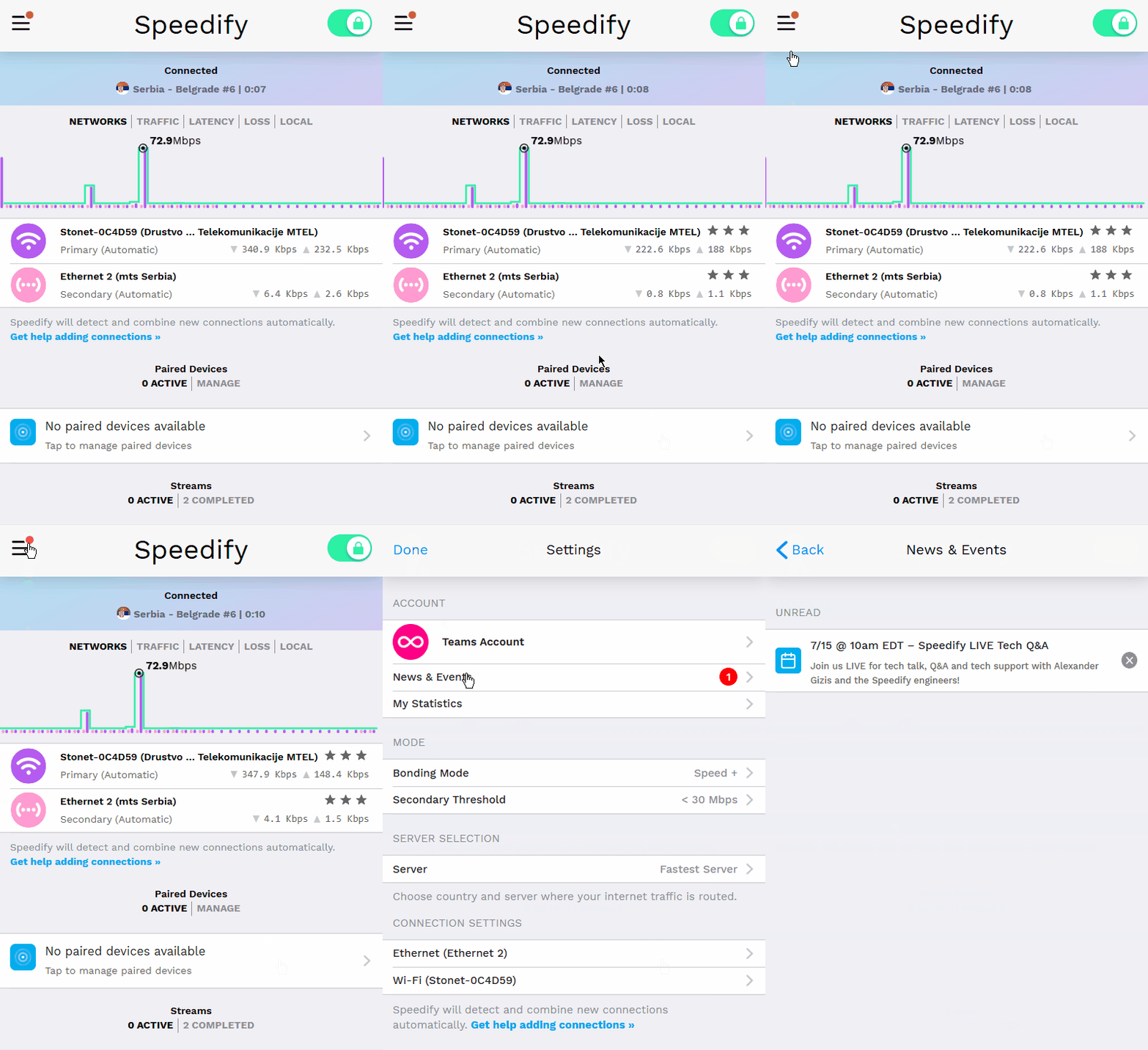
The News and Events section is a built-in feed inside the Speedify app that keeps you informed about what's happening with Speedify. It surfaces things like:
- Upcoming Speedify livestreams
- New posts on the Speedify blog
- Limited-time deals and promotions
- Other announcements and events
These notifications appear directly on the Speedify dashboard so you don't have to go looking for updates.
Disable Speedify News and Events
Step 1
Open the Speedify app on your device. On the main dashboard, look for the News and Events section. This is where any active announcements, upcoming livestreams, or blog posts will appear.
Step 2
If you'd prefer not to see these notifications on your dashboard, you can turn them off by toggling Show on Dashboard. The notifications will stop appearing on the dashboard immediately. You can turn them back on at any time by toggling Show on Dashboard back on.
Did you know - Speedify works on routers too, so every device on your network can benefit from faster upload and download speeds without needing to install anything on each device individually. Learn more about Speedify for Routers.